
Brand guidelines
Jouzu
The Jouzu dot-matrix wordmark as real vector, its construction, the J monogram and app icons, and the cyan-to-pink ramp.

01
The wordmark
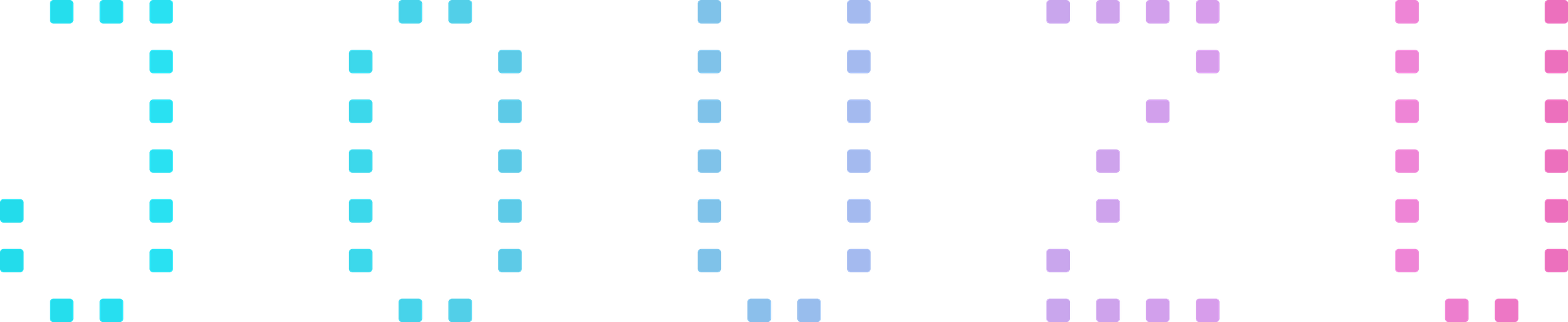
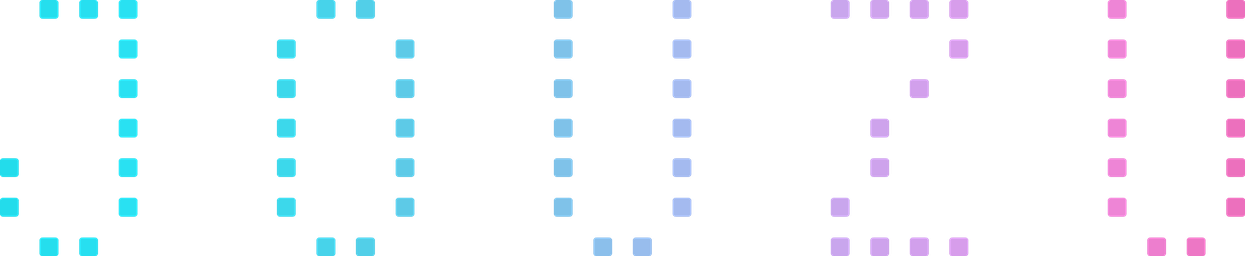
Five glyphs, J O U Z U, each four cells wide and seven tall. The gradient is one continuous horizontal ramp across the whole mark, not one per letter, so every letter picks up a different part of it. The master is an SVG and scales without limit.


02
Construction
The mark is generated from a script rather than drawn, so its geometry is exact. If you need to recreate it, for example as an LED or pixel display, these are the measurements.
- Grid
- 4 × 7 cells per glyph
- Letter gap
- 3 empty cells
- Total
- 32 × 7 cells
- Dot
- 47% of the cell pitch
- Corner
- 15% of the dot
- Ratio
- 4.86 : 1
- Gradient
- Horizontal, across the full mark
03
Monogram and app icons
The J on its own, carrying the entire ramp rather than just the cyan end it has in the wordmark, so the single letter still reads as Jouzu. Square to the edge; let the platform apply its own corner mask.










Small icons are drawn heavier
At the standard dot ratio the J thins out below about 64 px, so the 64 and 32 px icons use a 70% dot and a tighter crop. It is the same glyph, inked up for the size. Above 128 px, always use the standard icon.
04
Palette
One continuous ramp. The stops below sit at their positions along the mark. Click a swatch to copy it.
05
Usage
Clear space
Keep one full glyph width, four cells or about 12% of the mark’s width, clear on every side. The grid needs air to read as a grid.
Minimum size
Below about 120 px wide the dots merge and the letters stop separating. Under that, use the monogram instead.
Backgrounds
Made for the dark ground; it also holds on white and warm paper. Avoid mid-greys and any background colour that sits inside the ramp, where those letters disappear.
Writing the name
In running text, write Jouzu with a capital J. Lowercase jouzu is for the command line, where it is the command you type.
Don't
- Re-angle the gradient or apply it per letter
- Change the dot size or spacing outside the small-icon case
- Set the name in a font as a substitute for the mark
- Use flat cyan alone where the mark should carry the ramp