
Brand guidelines
Mascots
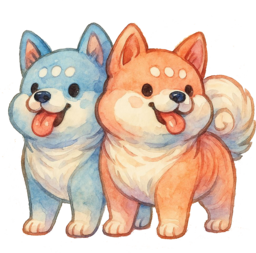
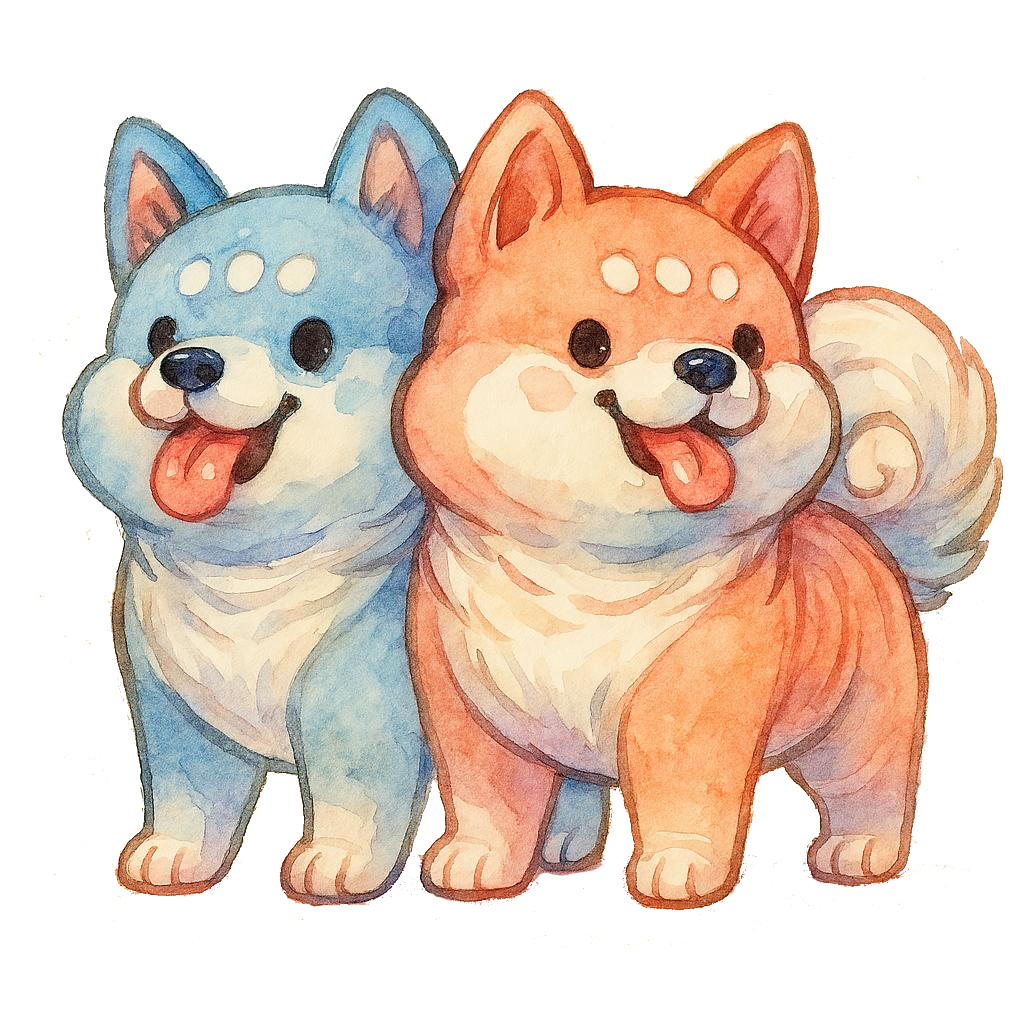
Our pair of watercolour shisa dogs, as the combined pair and as separated singles, with their coat colours and how to place them.
01
The pair
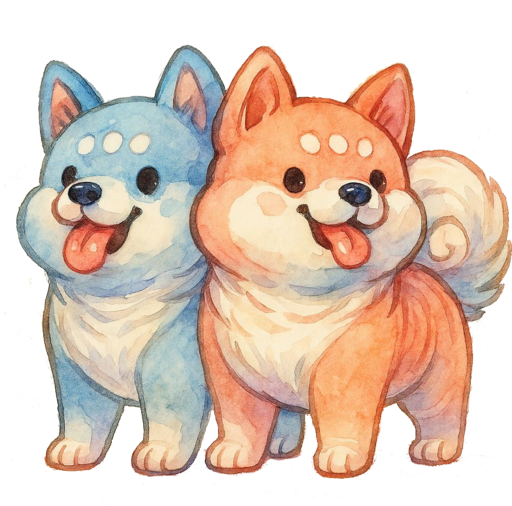
The default mascot image: both dogs together, azure on the left slightly behind and coral in front. Use it wherever one image stands for Shisa as a whole, such as title slides, footers and event material. Shisa guardians traditionally come in pairs, flanking a gate.
02
The singles
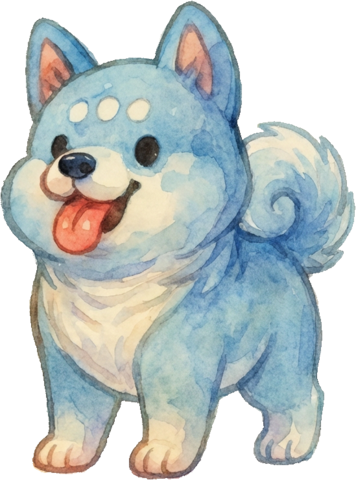
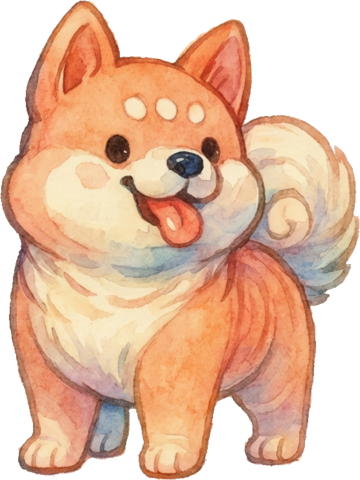
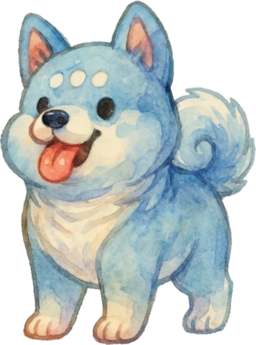
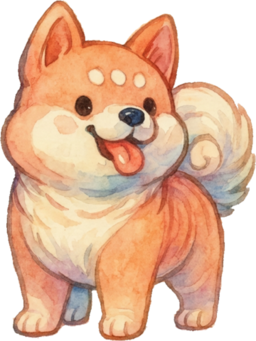
Each dog cut out on its own, full body, on a transparent background. Use a single dog when the pair would crowd the layout, for example in a slide corner, an avatar or a loading state, or place the two apart to frame something between them.
Use the pair file for the pair
The singles were redrawn from the pair, not cropped from it, so where the coral dog overlapped the azure one the hidden body was reconstructed. Don't rebuild the pair by placing the singles side by side; use the combined file. The singles hold up to about 240 px tall; for anything larger, ask us.
03
Coat colours
Sampled from the artwork. These are watercolour washes, not flat fills, so treat them as the centre of a range when you pick colours to sit alongside the dogs.
04
Usage
Azure left, coral right
That is the order in the combined artwork, and it should hold whenever the two singles are placed as a pair.
Watch the edges
The artwork has soft, semi-transparent watercolour edges and a near-white cream belly. It reads well on dark and light grounds; on mid-greys the cream loses separation. Check with the Transparency toggle above.
Keep them friendly
The dogs are guardians and greeters. Use them to welcome, to mark Shisa material and to add warmth, not to endorse a third-party product or to carry a message on their own.
Don't
- Crop into a dog or mask them into a circle
- Add a drop shadow; the painted edge carries its own
- Recolour the coats, tint them or convert to greyscale
- Upscale them with an AI upscaler or redraw them
- Give them speech bubbles, props or new poses without asking us